How to use Seedbox Panel v1.0?
- After Ordering a Seedbox, you will get this email, containing your Panel Link, Username & Password.
PS: All Password's are randomly generated for security purpose. Can be changed on request.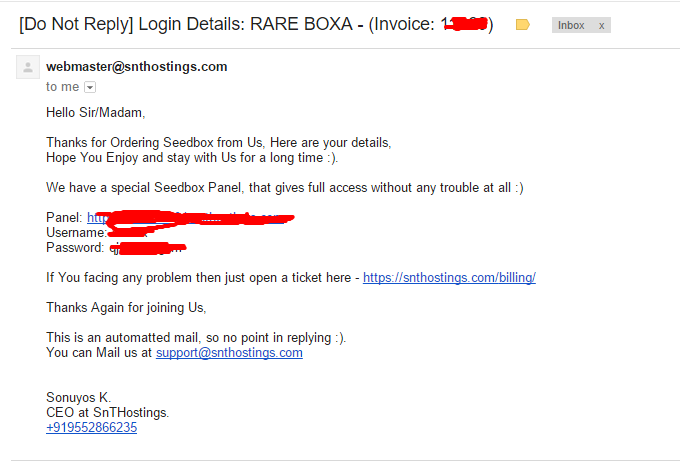
- Click and visit the Panel Link, Our Panel is created specifically keeping everything in mind, from ruTorrent to SickRage, Everything can be operated from here, Neat and Clean.
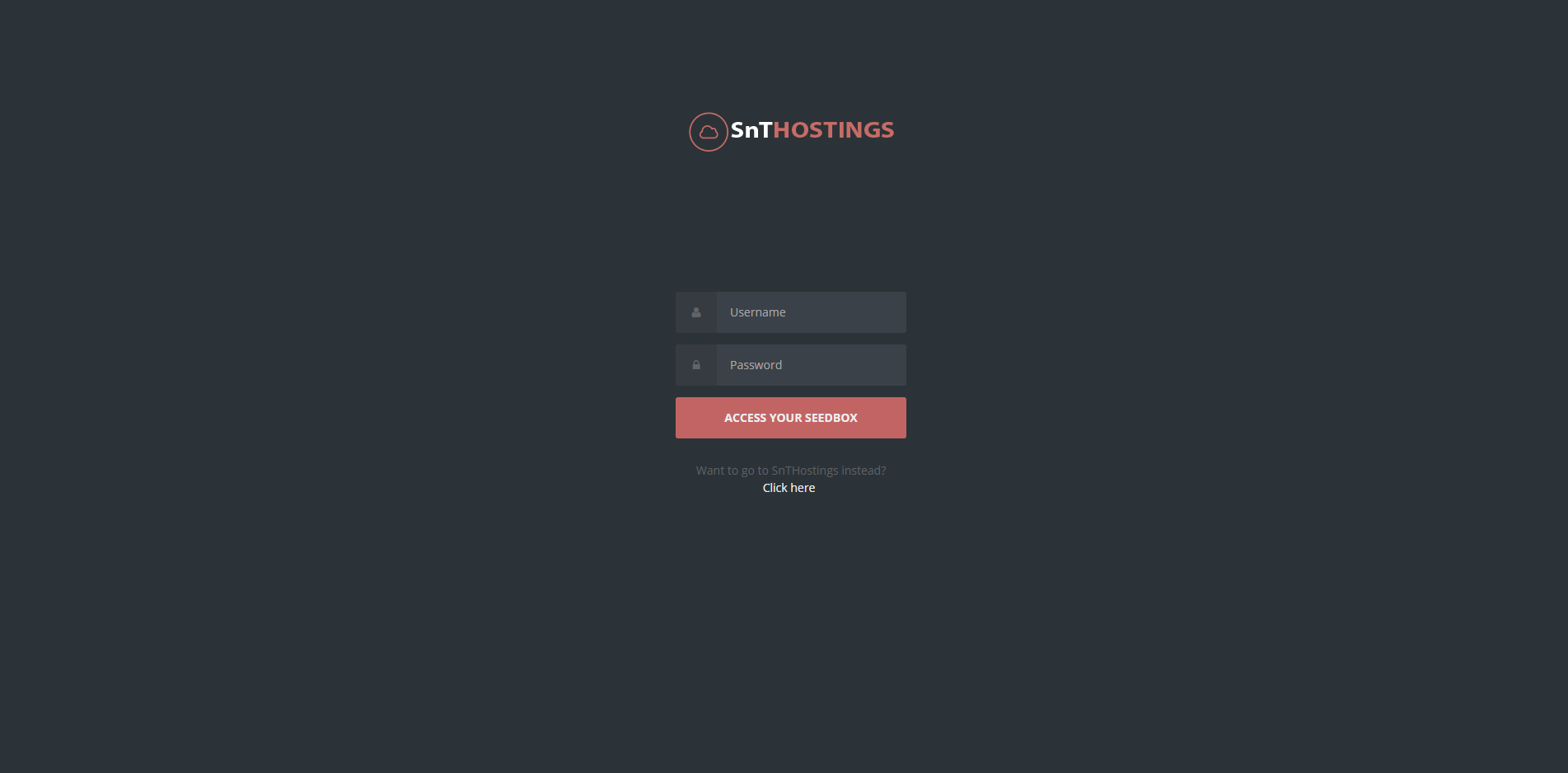
- Enter the Username & Password you received via mail. It will take you straight to your Seedbox.
PS: It can take upto 1-3mins for the first login, as it setup files :)
- After logging in, you will see this page, We have used our website theme for easy navigation.
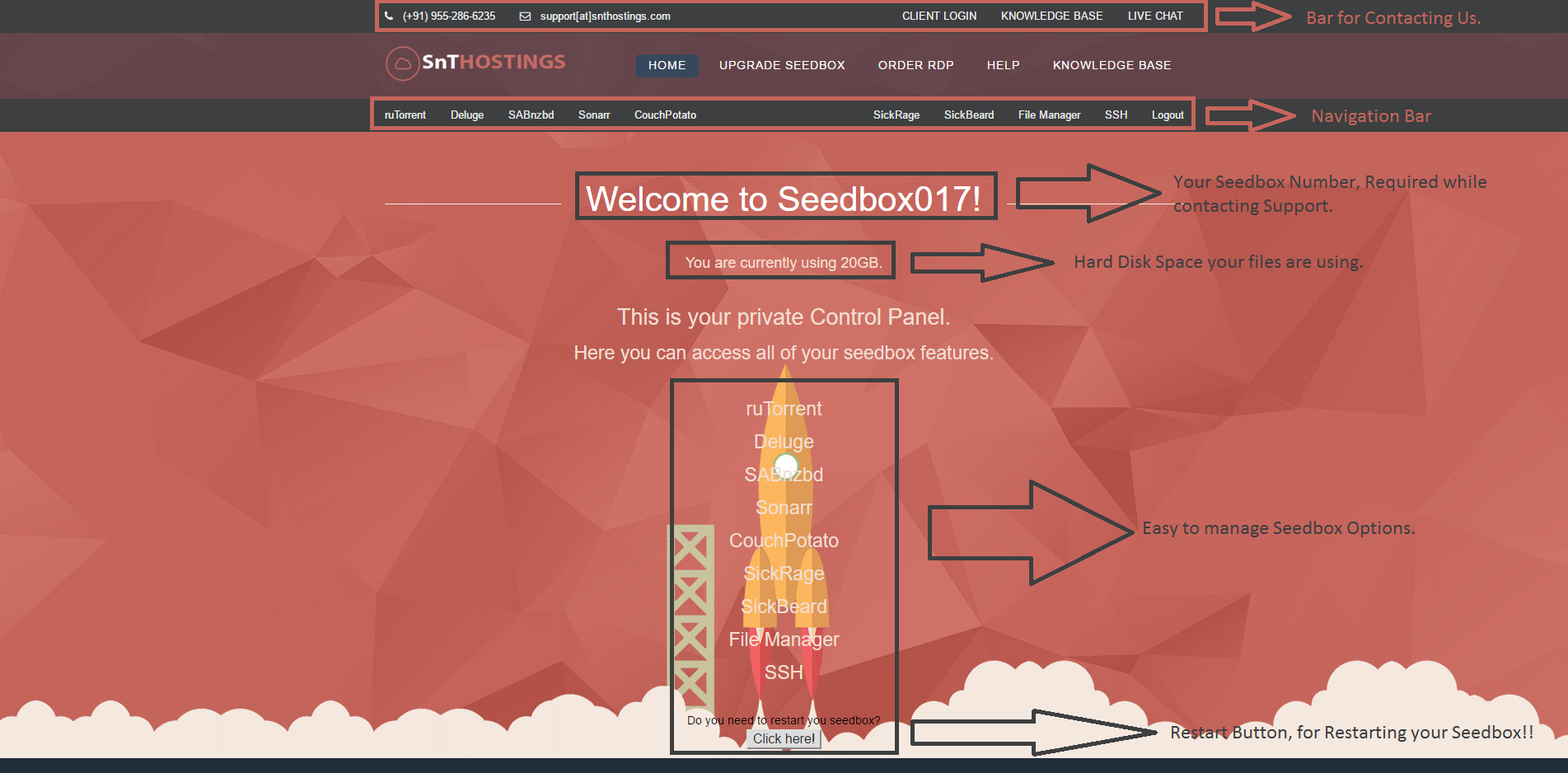
CLICK ON IMAGE FOR OPENING IT ON NEW TAB.For Indepth Explanation Click Here - ruTorrent, Deluge, SABnzbD, Sonarr, CouchPotato, SickRage, SickBeard, File Manager, SSH.
For Help, Contact Us - Click Here
Please rate this article to help us improve our Knowledge Base.
