To change your WHMCS password, you can either open a ticket or follow the following directions.
Step 1. Click on Hello, Your USERNAME! and select Edit Account Detils
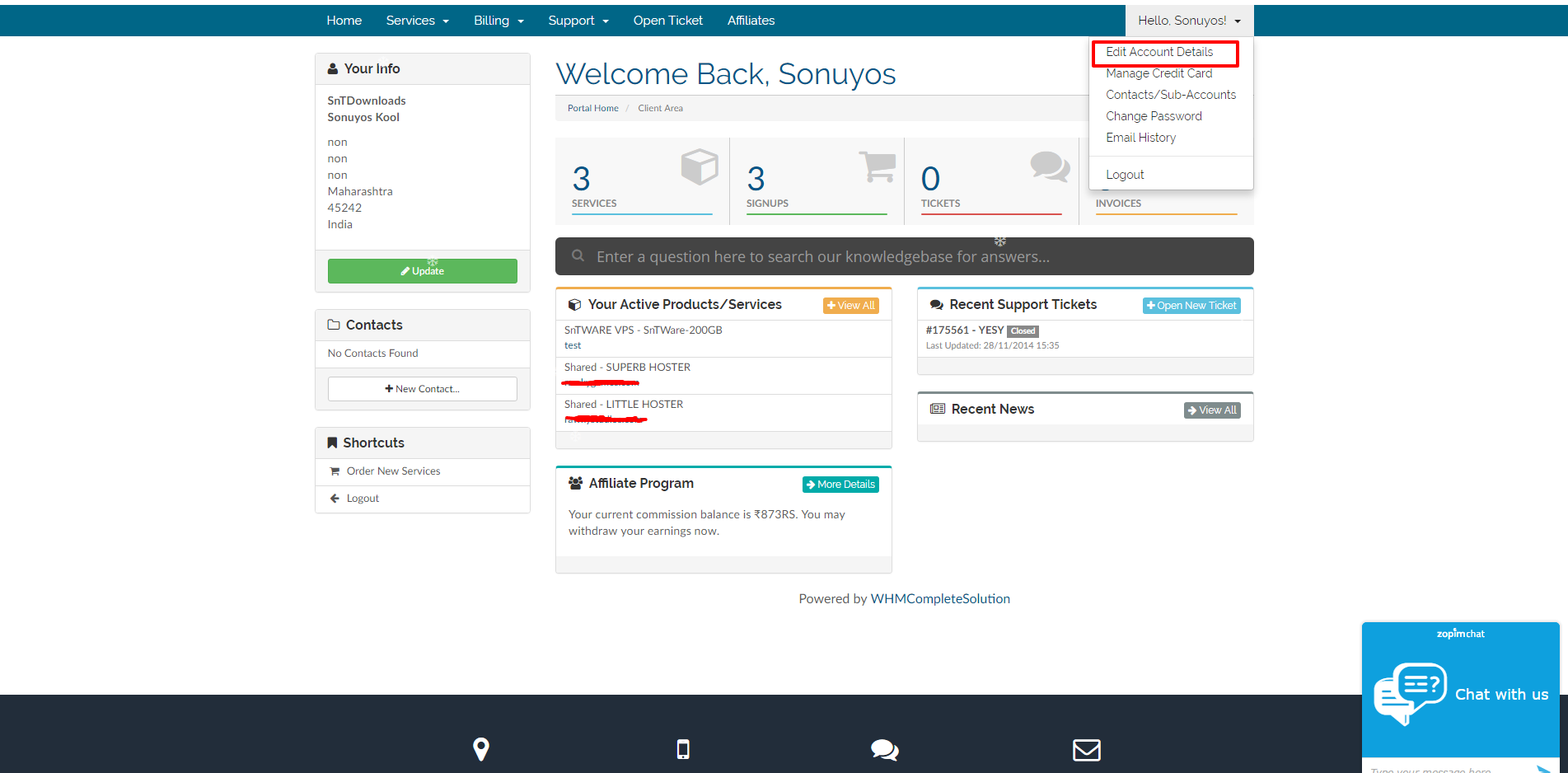
Step 2. Then click on Change Password, Enter your old password once and new password twice.

Step 3. Make Sure it is strong enough and then click Save Password.
