Step 1. Go to My Services, Under Services.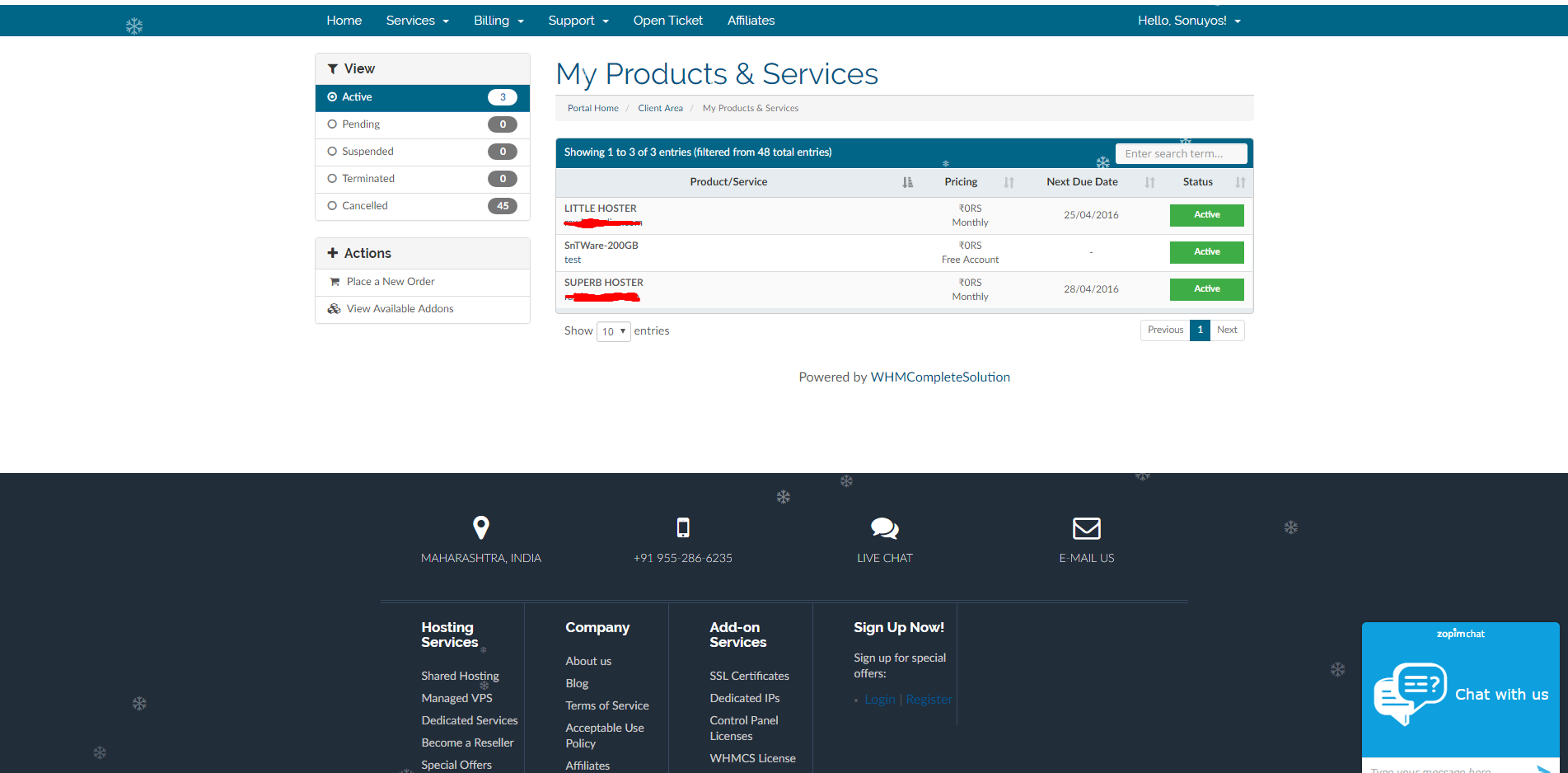
Step 2. Click on the Service you want to upgrade and the click on Upgrade/Download, should be at the left side of the page.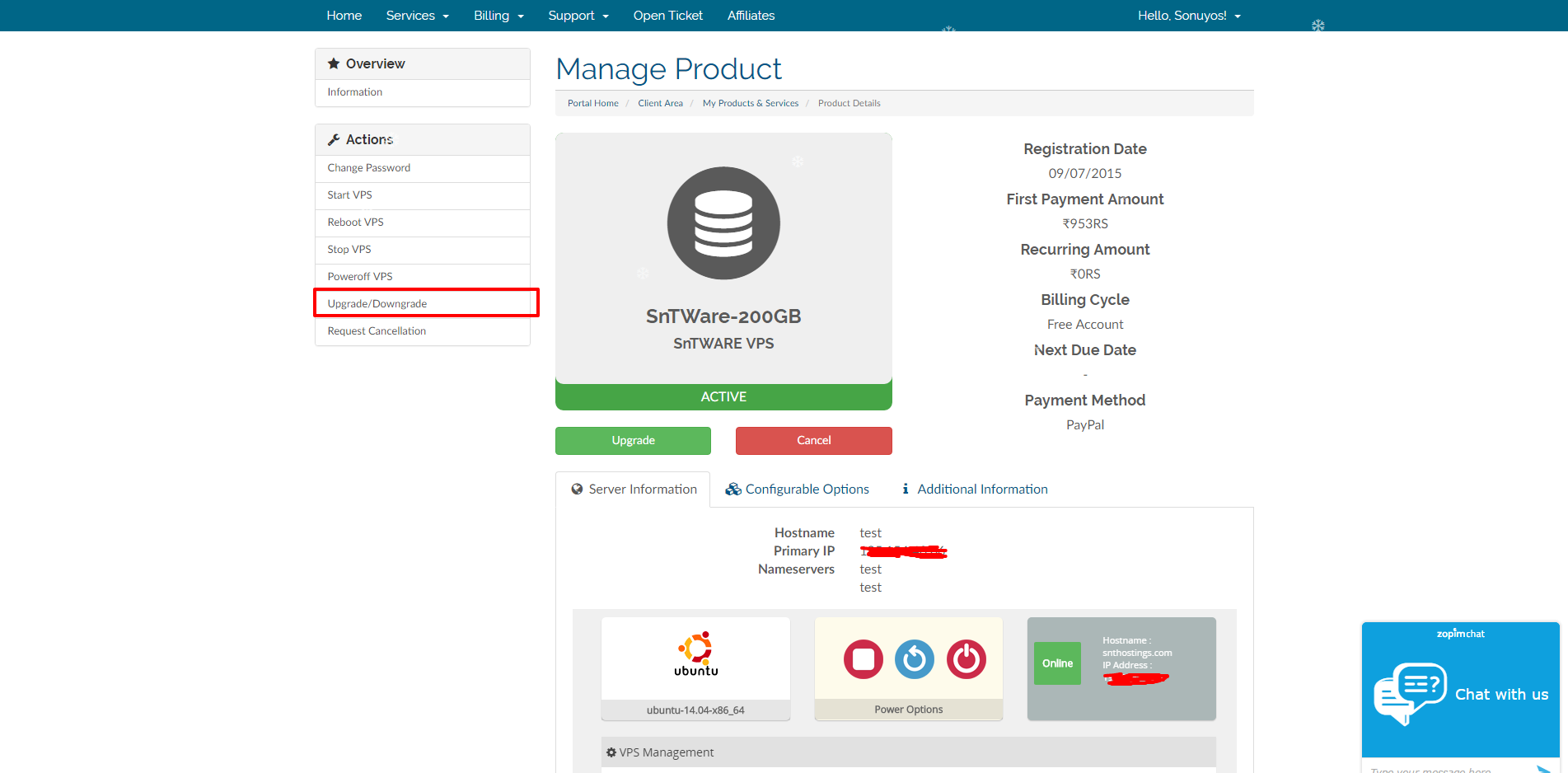
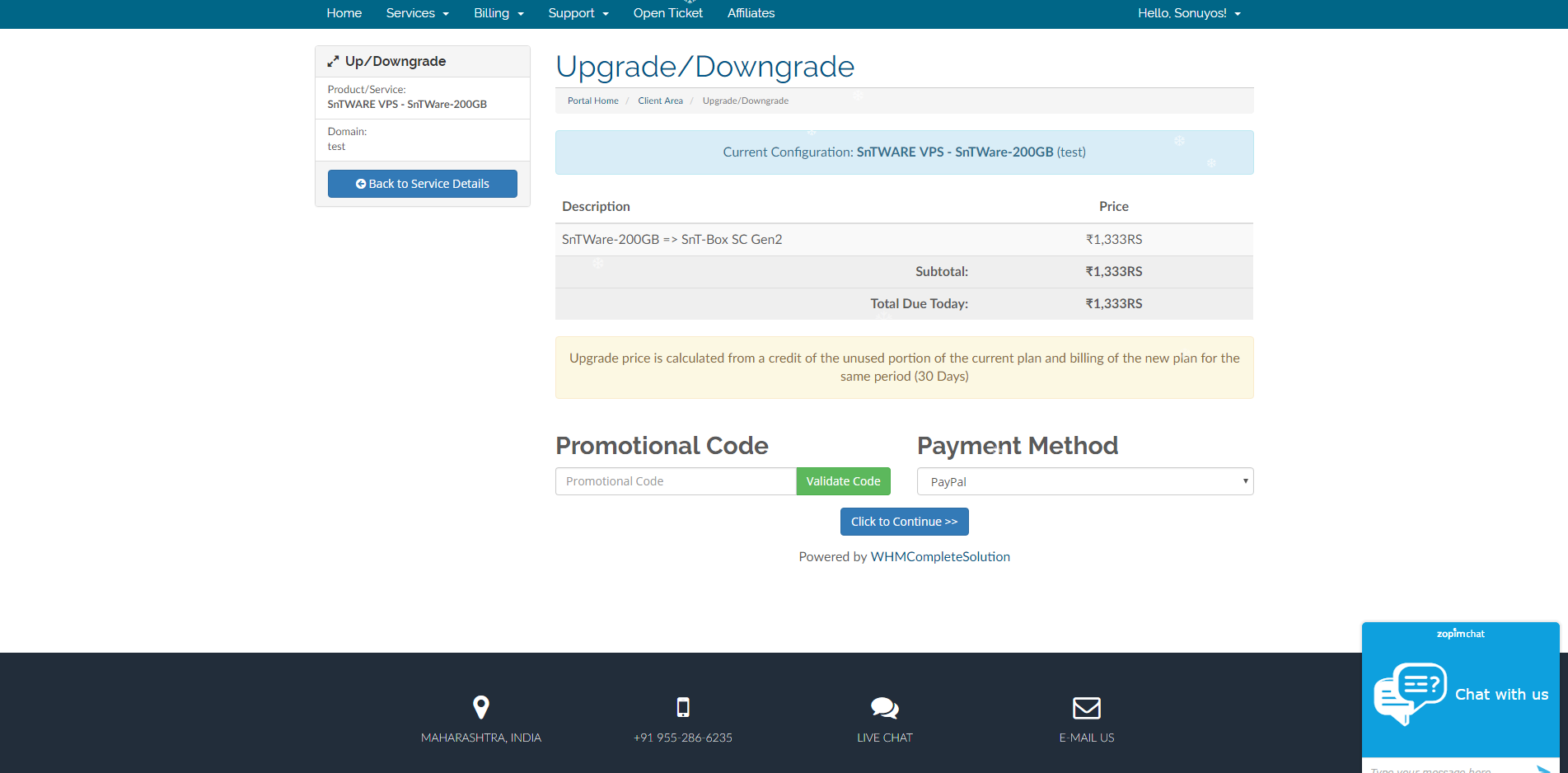
Step 3. Then Select the plan you want to upgrade to and click on "Choose Product".
Step 4. Pay the invoice, By using your favorite Payment Wall & It will be manually upgraded within 24hours.